Green Screen CapCut Templates
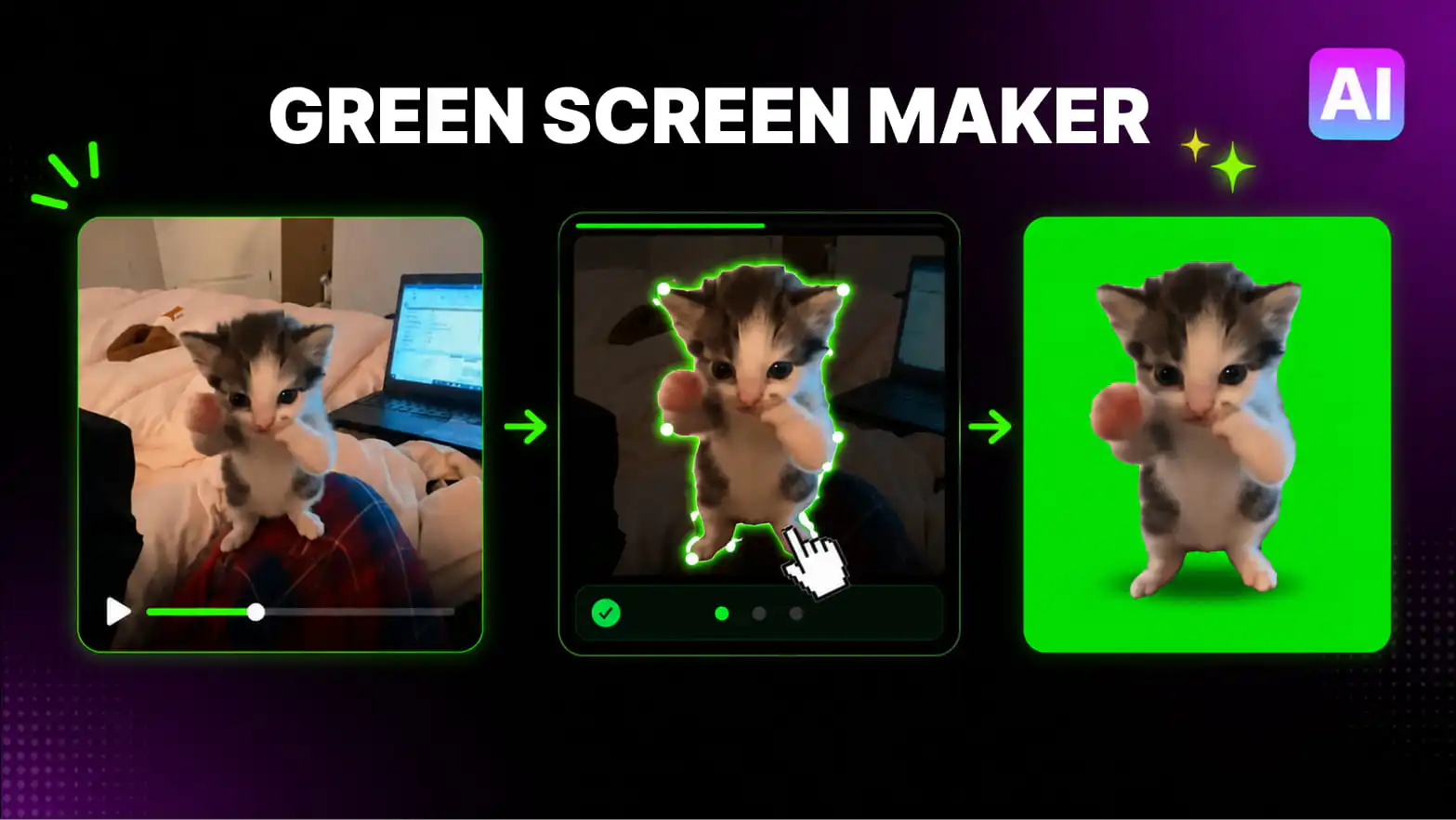
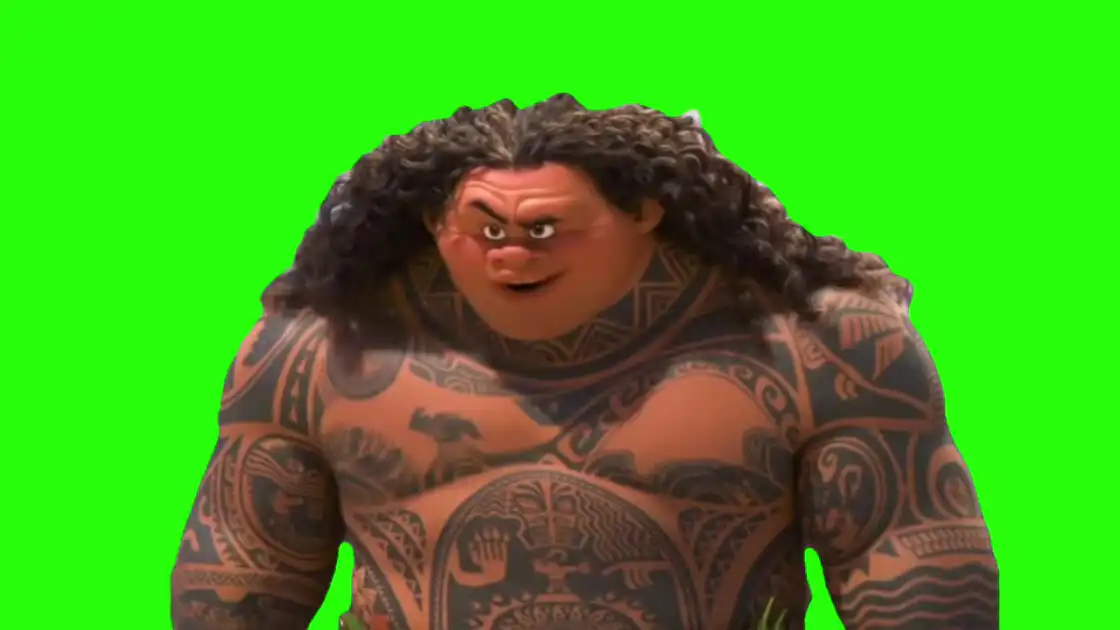
Every green screen meme on this page is ready to drop straight into CapCut. Download the MP4, add it as an overlay over your footage, tap Cutout, then Chroma Key, and the green disappears — leaving the meme, reaction, or character right inside your video.
No plugins and no desktop software needed. These templates work in CapCut on phone and desktop, and they are free — the same library creators use for TikTok, Reels, and YouTube Shorts. Browse the full library in our Video Library or see what’s hot in the Top 100.
Download CapCut Templates
How to Use Green Screen Templates in CapCut
- Download a template — pick any green screen below and hit download (HD or 4K).
- Import to CapCut — put your background video on the main track, then add the green screen video as an Overlay above it.
- Apply Chroma Key — select the overlay, go to Cutout → Chroma Key, and pick the green color.
- Clean it up — raise Strength until the green is fully gone, then adjust the shadow/edge settings so the meme blends naturally.
- Export and post — share straight to TikTok, Instagram Reels, or YouTube Shorts.
Are these green screen CapCut templates free?
Yes — every template on this page is free to download as an MP4 video. Choose HD for quick edits or 4K for maximum quality.
How do I use a green screen template in CapCut?
Add your background clip to the main track, place the green screen video as an overlay above it, select the overlay, and choose Cutout → Chroma Key. Pick the green color, raise the strength until the background disappears, then resize and position the overlay anywhere in the frame.
Do these templates work in CapCut on phone and desktop?
Yes. The templates are standard MP4 videos, so the same chroma key steps work in CapCut for iOS and Android and in CapCut Desktop.
Can I post videos made with these templates on TikTok and YouTube?
Yes — creators use these templates in TikTok videos, Instagram Reels, and YouTube Shorts. Because each download is a video file, it also works in other editors like Premiere or DaVinci Resolve.
What is the difference between a CapCut template and these green screen videos?
A CapCut template is a pre-made project inside the CapCut app. These are green screen MP4 videos, which give you full control over timing, size, and background — and they keep working in any video editor, not just CapCut.